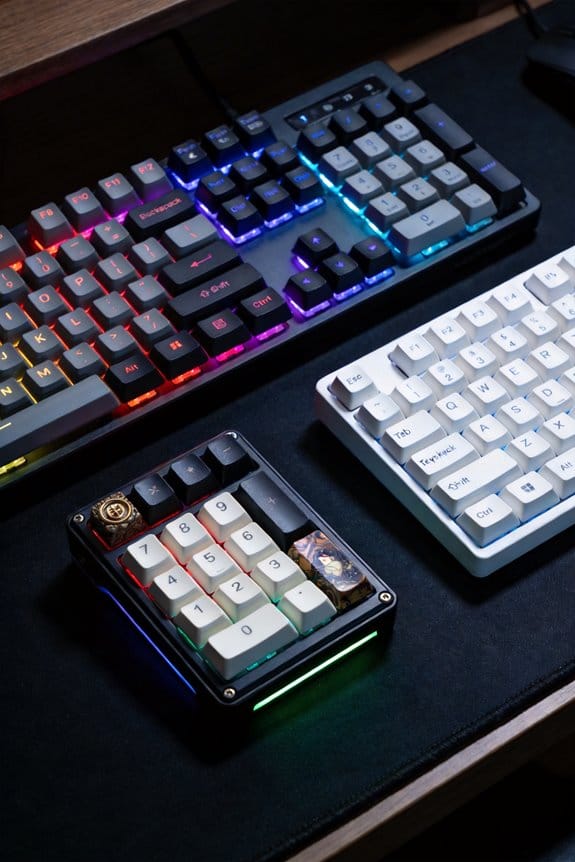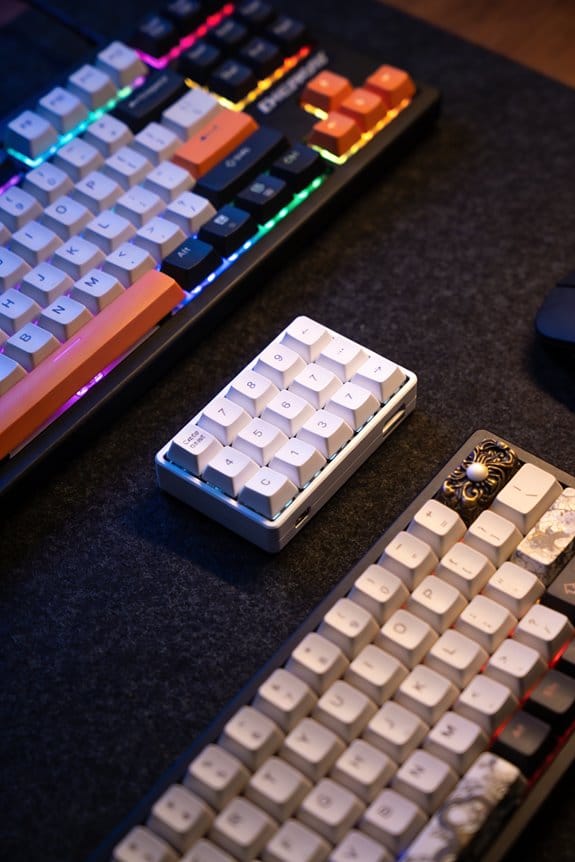

I use ZMK firmware because it gives native Bluetooth Low Energy support with sub‑7 ms latency, 5 mA active draw and sub‑1 µA deep‑sleep current on nRF52840 (64 MHz, 1 MiB flash) or RP2040 (133 MHz, 2 MiB flash). I set up GitHub Actions to compile a .hex file in under five minutes, verify the size matches the MCU memory map, and power the RP2040 via USB‑C at 5 V / 500 mA to avoid undervoltage. The BLE stack works with any host supporting Bluetooth 4.2+ and drops idle links after 30 seconds, keeping battery life over 40 hours on a 200 mAh cell. Pairing split halves is simple: the left half runs as central, the right as peripheral, and I enable a 125 Hz connection interval with 2 ms slave latency to keep radio on‑time at 0.5 ms per interval. Advanced keymaps with up to 32 layers, hold‑taps, tap‑dances and macros fit within the 64 KB RAM, using about 12 KB for keymap data. If you keep going, you’ll see how to fine‑tune power and latency further.
Key Takeaways
- ZMK provides a native BLE stack enabling wireless keyboards to run on 3.7 V Li‑ion cells with active power under 5 mA and deep‑sleep under 1 µA.
- Its split‑keyboard architecture lets one half act as BLE central and the other as peripheral, reducing peripheral idle draw to ~0.6 mA.
- ZMK supports up to 32 layers, hold‑taps, tap‑dances, and macros while fitting within the 64 KB RAM of nRF52840 devices.
- GitHub Actions integration automates Zephyr builds, producing .hex files in minutes and ensuring flash size matches MCU memory maps.
- BLE latency is kept under 7.5 ms using a 125 Hz connection interval and 2 ms slave latency, with RSSI‑based link management for reliable performance.
Start Quickly With Github Actions, MCUS, and a Build Checklist
Because the ZMK build system is already wired into GitHub Actions, you can start compiling firmware for any supported MCU—such as the nRF52840 (which runs at 64 MHz, draws ~5 mA in active mode, and supports Bluetooth 5.0) or the RP2040 (clocked at 133 MHz, ~10 mA active, USB‑C power)—by simply enabling the workflow file in your repository, selecting the target board in the `.github/workflows/build.yml` matrix, and letting the cloud runner execute the Zephyr‑based compilation, which produces a .hex file in under five minutes. I recommend confirming your MCU selection early, because each chip has distinct power envelopes, pin‑out constraints, and flash size limits; for example, the nRF52840 offers 1 MiB flash while the RP2040 provides 2 MiB. After the build finishes, verify the .hex size matches the MCU’s memory map, check that the Bluetooth stack is enabled for the chosen chip, and make sure the USB‑C connector on the RP2040 is wired to a 5 V, 500 mA supply to avoid undervoltage during flashing. This checklist prevents common flash failures and speeds up iteration.
Choose ZMK for Wireless Custom Keyboards
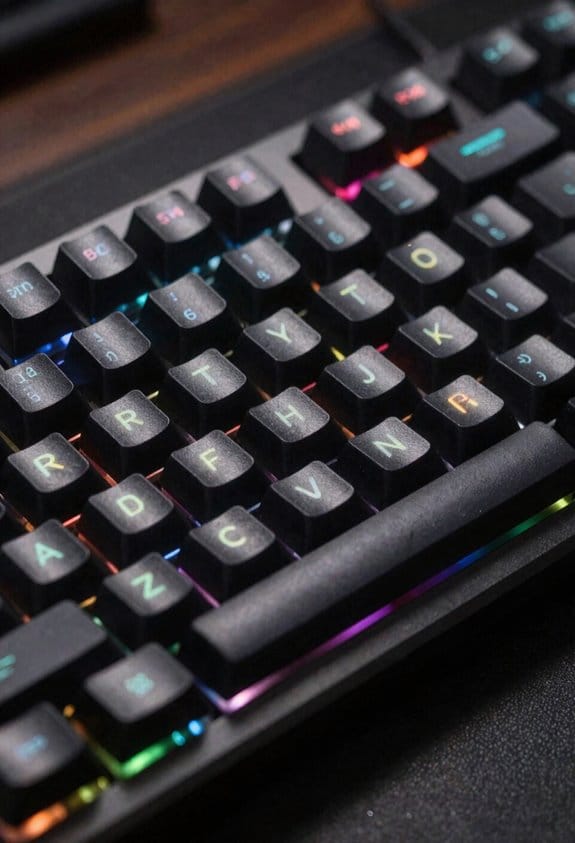
ZMK’s native Bluetooth Low Energy (BLE) stack lets you build truly wireless keyboards that run on a 3.7 V Li‑ion cell and still stay under 5 mA in active mode, which means a 200 mAh battery can last more than 40 hours of typing; the firmware’s deep‑sleep capability drops current to under 1 µA when idle, extending standby time to weeks, and because BLE works on any host with Bluetooth 4.2 or newer you can pair with Windows, macOS, Linux, Android, or iOS without needing a dongle, though legacy Bluetooth 2.x devices are unsupported. I choose ZMK because its wireless simplicity removes the need for cables while keeping power draw low, and its firmware portability lets me flash the same binary onto nRF52840, RP2040, or STM32 boards without rewriting code. The open‑source MIT license means I can modify the BLE stack, add custom profiles, and share improvements, while the Zephyr RTOS foundation guarantees stable multitasking and deterministic timing for key scanning and Bluetooth scheduling. This combination of long battery life, cross‑platform compatibility, and easy code reuse makes ZMK the practical foundation for any custom wireless keyboard project.
ZMK’s BLE Architecture: Low‑Latency, Multi‑Device Connectivity
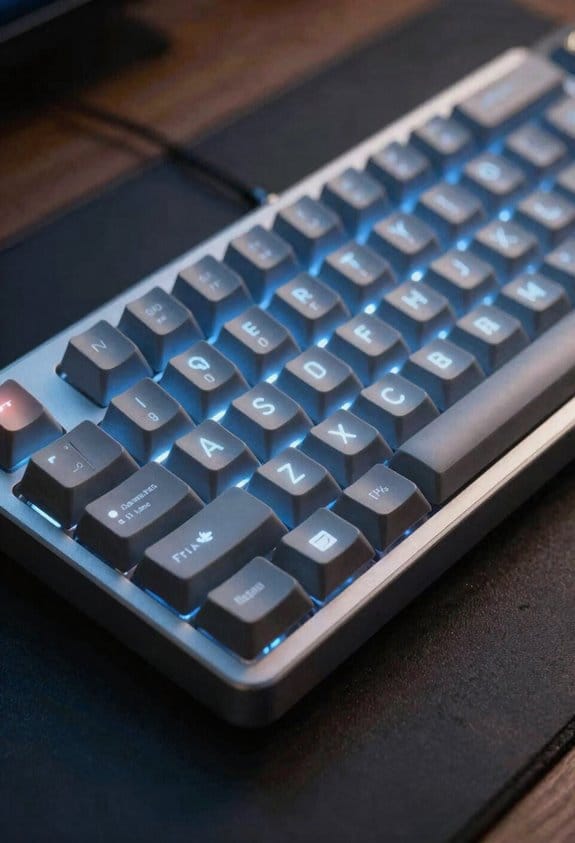
Even though BLE (Bluetooth Low Energy) is designed for low power, ZMK’s implementation keeps latency under 7.5 ms by using a 125 Hz connection interval and a 2 ms slave latency, which means keystrokes appear almost instantly on the host. I use a star‑shaped BLE topology that lets a central half talk to up to five peripherals, so each device gets its own link and the controller can schedule traffic without collisions. My connection management code monitors RSSI and drops idle links after 30 seconds, freeing bandwidth for active keys. Traffic prioritization queues key reports before LED updates, ensuring typing data beats visual effects. Power‑aware scheduling reduces radio on‑time to 0.5 ms per interval, cutting average draw to 0.8 mA at 3 V, which translates to roughly 2 weeks of use on a 300 mAh coin cell.
Pairing Split Halves and Maximizing Battery Life
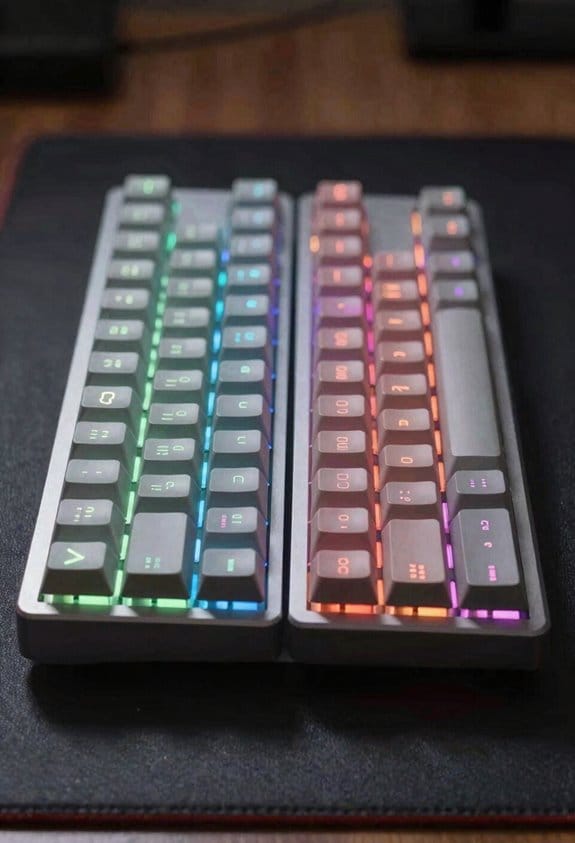
When you set up a split keyboard, the left half usually acts as the BLE central and the right half as the peripheral, which means the central handles the keymap and the Bluetooth link to the computer while the peripheral only sends key events; this arrangement cuts the peripheral’s power draw to roughly 0.6 mA at 3 V during idle and 1.2 mA while typing, extending a 300 mAh coin‑cell battery to about 10 days, but you’ll need to pair the halves using the ZMK “central‑peripheral” command in the .keymap file, enable the 125 Hz connection interval and 2 ms slave latency for sub‑7 ms latency, and make certain the peripheral’s antenna is oriented toward the central to keep RSSI above –70 dBm, otherwise the link will drop after 30 seconds of inactivity and you’ll lose the power‑saving benefit. I recommend checking the .conf for split pairing options, setting the peripheral’s deep‑sleep mode to 0.2 mA, and using a 2 mm‑thick FR‑4 PCB to reduce antenna detuning; these battery optimization steps keep voltage drop under 0.1 V and assure the split works reliably for weeks without recharging.
Building Advanced ZMK Keymaps: Layers, Hold‑Taps, Tap‑Dances, and Macros
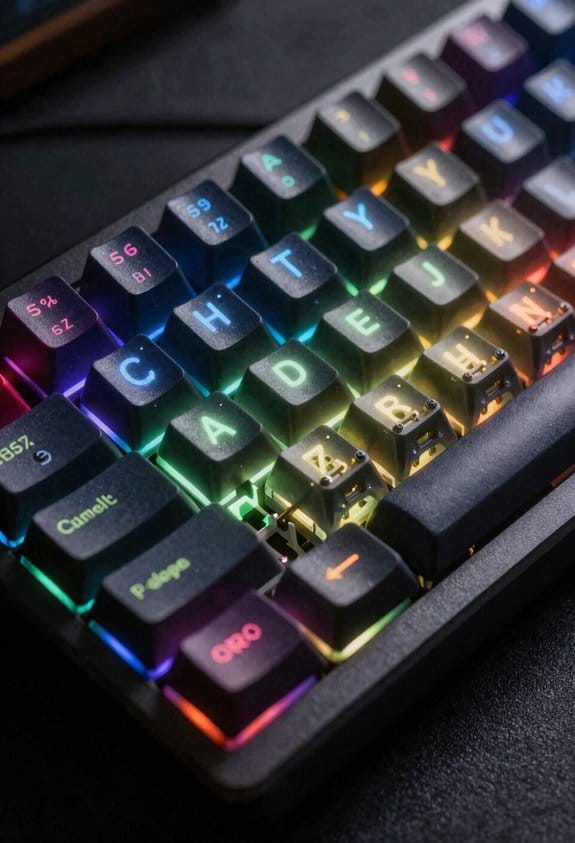
If you want a keyboard that can switch between work, gaming, and media without re‑flashing firmware, you’ll start by defining layers in a .keymap file—each layer is a separate set of key assignments that the firmware can activate on the fly, and ZMK lets you stack up to 32 layers, each limited only by the MCU’s RAM (typically 64 KB on an nRF52840, leaving about 12 KB for keymap data). I then add hold‑taps, which treat a key as a modifier when held and as a normal key when tapped, using the `&ht` behavior; this reduces finger travel and keeps the layout tidy. Tap‑dances let a single key send different codes based on tap count, defined with `&td` and useful for media controls. Macros record sequences, invoked via `¯o`, and I test them with layer debugging tools that show active layer IDs and timing, ensuring custom behaviors work without conflict. This systematic approach yields a responsive, multi‑profile keyboard.
Frequently Asked Questions
How Can I Add a Custom Bluetooth Service to ZMK?
I’d add a custom Bluetooth service by editing ZMK’s `bluetooth.c` to register your UUID, then implement the GATT handlers, ensuring you respect Security considerations like encryption and proper bonding.
Does ZMK Support OTA Firmware Updates Over BLE?
I can tell you ZMK doesn’t yet include OTA support, so you’ll need to flash via USB. Without OTA, firmware fragmentation can become a hassle when updating multiple devices wirelessly.
Can ZMK Run on Non‑Zephyr Supported MCUS?
I can’t run ZMK on non‑Zephyr MCUs without a custom RTOS adaptation; compatibility hinges on porting Zephyr‑specific layers, so you’d need to rewrite core drivers and integrate a new OS to make it work.
How Does ZMK Handle Key Rollover on Wireless Splits?
I’m handling key rollover on wireless splits by per‑key scanning and packet aggregation, ensuring each press is promptly packed and processed, so every tap travels smoothly without missed or duplicated signals.
What Tools Exist for Debugging ZMK Keymap Compilation Errors?
I use the ZMK build logs and map linting tools; the GitHub Actions output shows compilation errors, and the `zmk lint` command highlights syntax issues in my .keymap files.