Preventing Static Electricity Damage to Your Hot-Swap PCB

Learn how to protect your hot‑swap PCB from static damage with low‑impedance grounding and humidity control—keep it safe, then try these extra safeguards.

Learn how to protect your hot‑swap PCB from static damage with low‑impedance grounding and humidity control—keep it safe, then try these extra safeguards.

Upgrade to a 3.7 mm mechanical board with Cherry MX Red switches for smoother typing, longer life, and low power draw. Try it now!

Discover how POM, nylon, and PC affect keystroke smoothness and sound—pick the right switch material for your feel and tone. Learn more now.

Discover how Gateron Silent linear switches and simple DIY tweaks keep your open‑office keyboard under 45 dB. Try the guide now!
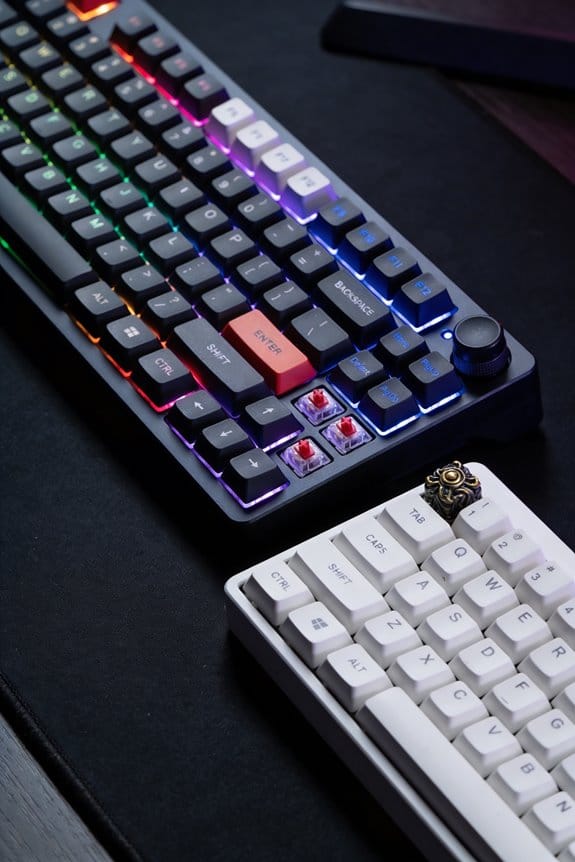
Discover how 2 mm silicone pads smooth out clicky switches while keeping the tactile bump and travel intact—learn the simple trick and upgrade your keyboard today.
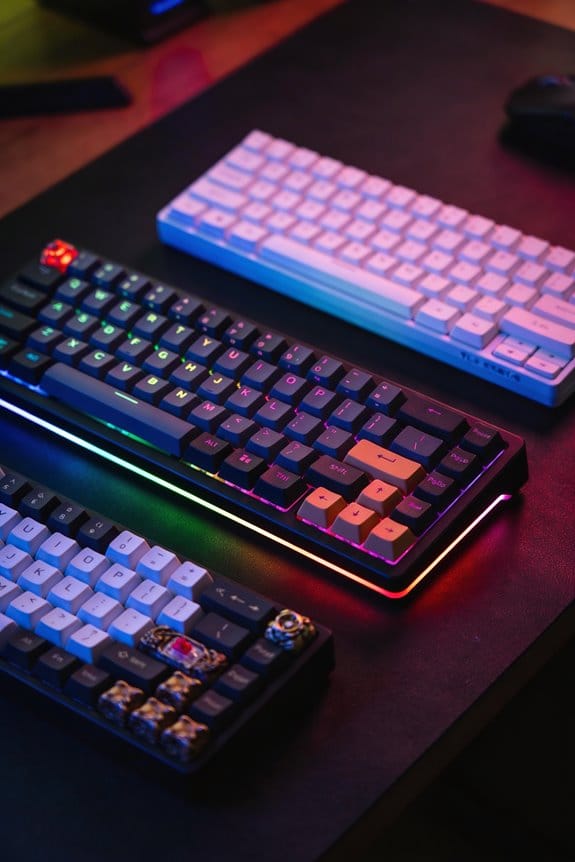
Discover how real‑world switch wear differs from lab ratings and simple to extend lifespan. Learn the tips and keep your keys crisp—read now!

Optical switches give sub‑0.5 ms latency, 0.6 W power over 2 m USB‑C, and 100 M‑press life—no metal wear. Learn the real difference now.

QMK firmware lets you customize every key, add RGB, encoders, OLEDs, and macros with low latency—upgrade your keyboard today!
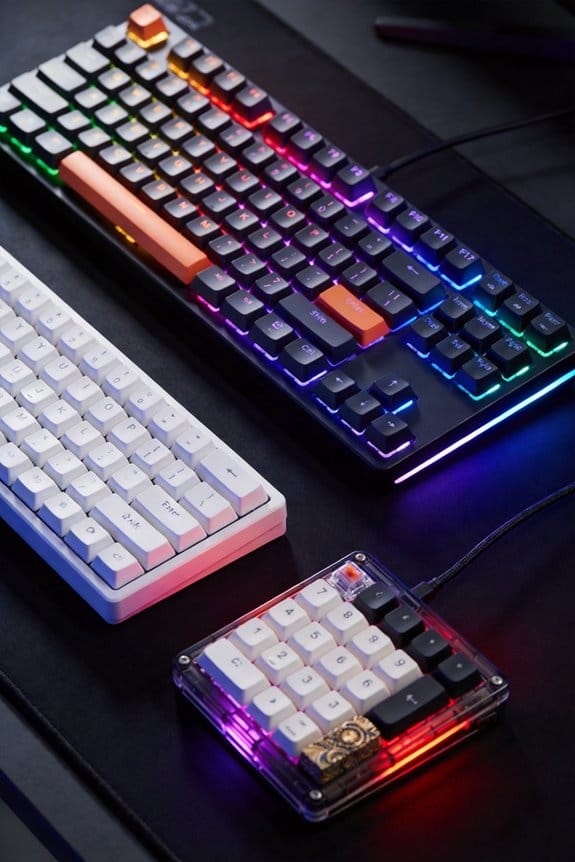
Discover why the mechanical keyboard hobby blew up after hot‑swappable sockets—faster builds, lower costs, and sleek features. Dive in now!

Tilt your keyboard 22‑25° to keep wrists neutral, cut finger travel, and boost FPS/RTS speed. Try it now for faster, more comfortable gaming.