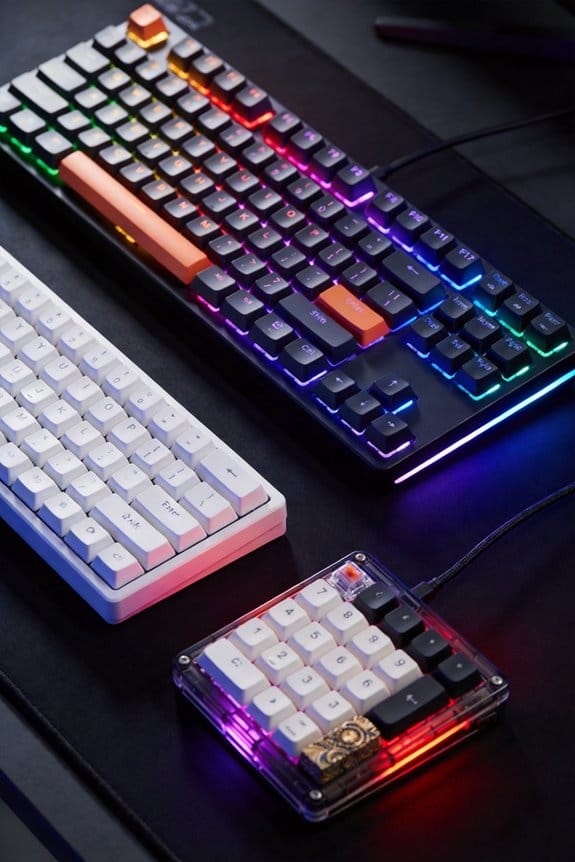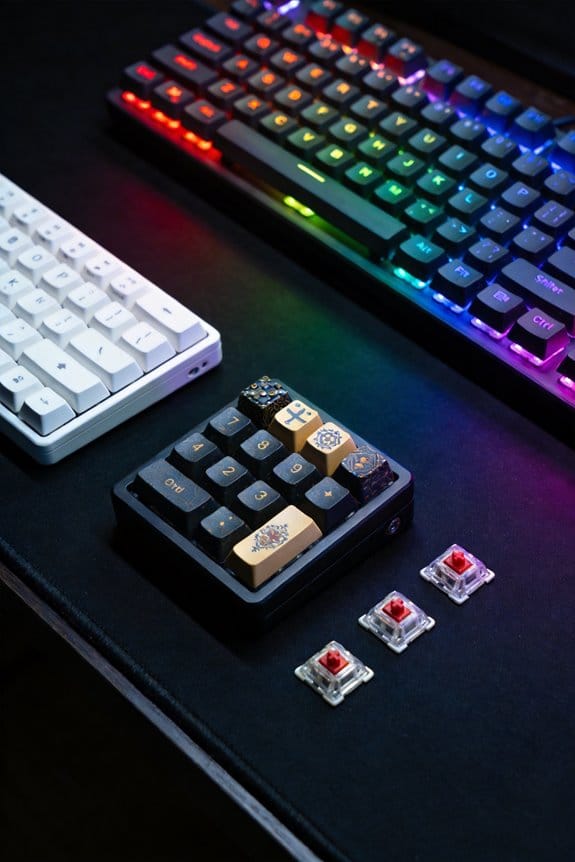

I’ve found that adding three 0.15 mm layers of blue painter’s tape to the PCB’s bottom adds about 1.2 g of mass and damping, which creates a low‑pass filter that pushes the resonant frequency up and deepens the thocky bass while cutting 2–4 dB of treble above 6 kHz, and the effect is most noticeable on 2 mm polycarbonate plates; this method works with non‑conductive tape, avoids overlap on reset buttons, USB ports, or JST connectors, and you can test the sound after each layer before deciding to stop, so if you keep going you’ll discover the full range of acoustic tweaks and material‑specific tips.
Key Takeaways
- Adding 2‑3 layers of painter’s tape to a PCB creates a low‑pass filter, deepening bass and reducing treble.
- Blue painter’s tape offers medium adhesion and easy removal; polyimide resists heat longer, while washi tape minimizes residue.
- Proper application involves cleaning the board, cutting 2 × 2 in pieces, and pressing firmly to avoid covering connectors.
- Acoustic measurements show a 3‑5 dB loudness boost and a 2‑4 dB treble drop above 4 kHz after three layers.
- Limit to three layers, use non‑conductive tape, and test after each addition to prevent over‑damping or thermal issues.
How to Upgrade Your Keyboard’s Sound With Tape Modding
The most dependable way to enhance a keyboard’s sound is to add three to four layers of blue painter’s tape to the bottom of the PCB, because each layer functions as a low‑pass filter that increases mass and damping, which in turn reflects vibrations back into the case and deepens the bass response; I begin by cleaning the board with 90% isopropyl alcohol, allowing moisture control to prevent trapped humidity that could weaken tape adhesion. Next, I cut strips that cover the entire PCB footprint, avoiding reset buttons, USB‑C ports, and JST connectors, then press each layer firmly for 10 seconds to ensure uniform contact. The tape’s adhesive remains strong for about 12 months, after which it may leave residue, so I recommend low‑adhesion variants for long‑term maintenance. This method works on both aluminum and polycarbonate plates, though polycarbonate may require single‑strip patterns to avoid a mushy sound.
Blue Painter’s Tape vs. Polyimide vs. Washi for Tape Modding
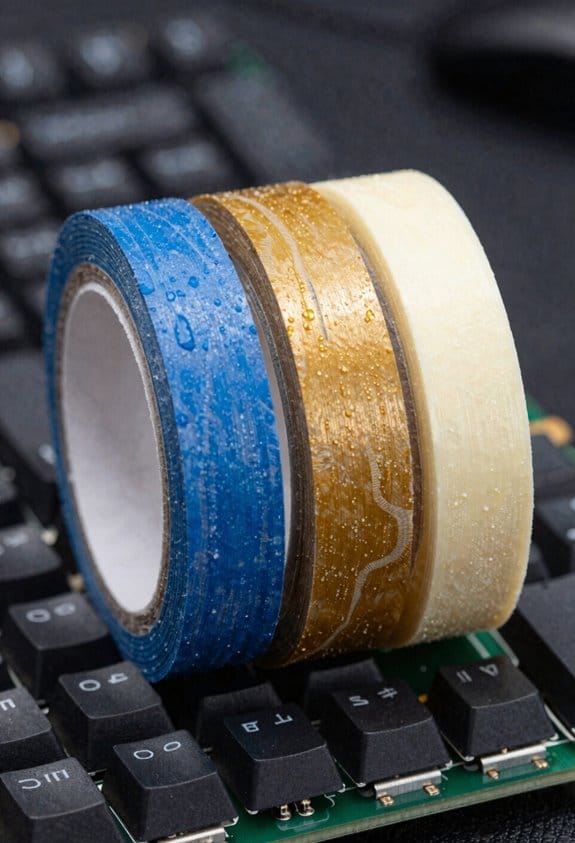
Ever wondered which tape gives the most reliable sound tweak? I compare blue painter’s tape, polyimide, and washi, focusing on tape adhesive strength and residue management. Blue painter’s tape offers a medium‑strength adhesive that holds through three layers, releases after a year, and leaves minimal residue when removed with 90 % isopropyl alcohol, making it the community standard. Polyimide tape provides a high‑temperature‑resistant, low‑adhesion coating that stays in place for up to 18 months but can be harder to peel, requiring gentle heating to avoid PCB damage. Washi tape, a rice‑paper laminate, has the weakest adhesive, excels at residue management because it lifts cleanly, yet may shift under vibration, reducing consistency. Choose based on durability, removal ease, and how much adhesive you can tolerate.
Apply the First Three Tape Layers Safely
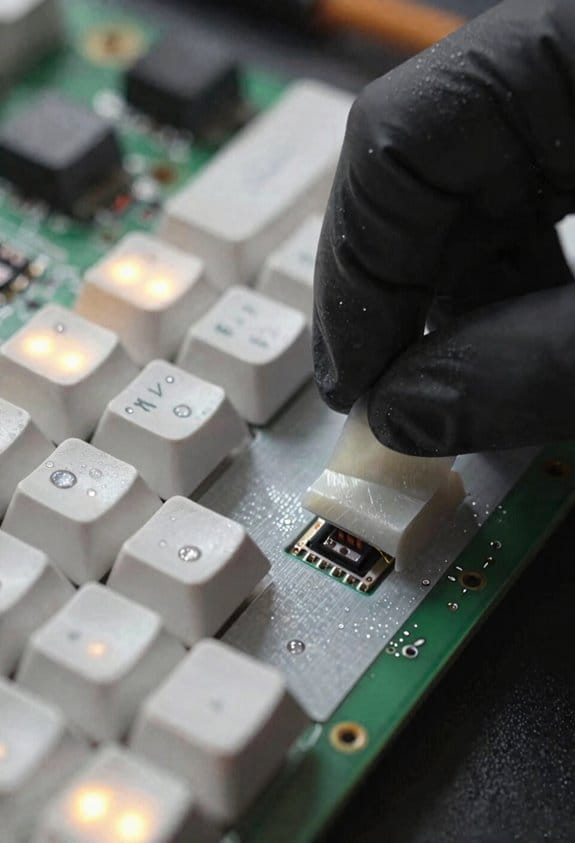
Do you know why three layers of tape are the sweet spot for a noticeable acoustic shift? I start by cleaning the PCB with 90% isopropyl alcohol, which removes dust and ensures strong tape adhesion, then I cut a 2 × 2 inch piece of blue painter’s tape, press it firmly, and verify that the adhesive covers the entire surface without air bubbles. Next, I repeat the process for the second layer, aligning edges to avoid overlap on reset buttons, USB ports, or JST connectors, because misalignment can cause short circuits. For the third layer, I apply a slightly lower-adhesion tape, such as washi, to reduce residue removal difficulty later; this layer adds mass and damping while staying removable. After all three layers are in place, I test the keyboard’s sound, then use a lint-free cloth and a small amount of isopropyl alcohol to clean any remaining residue, preserving the PCB’s long-term durability.
What the Tape Does to Your Keyboard’s Sound
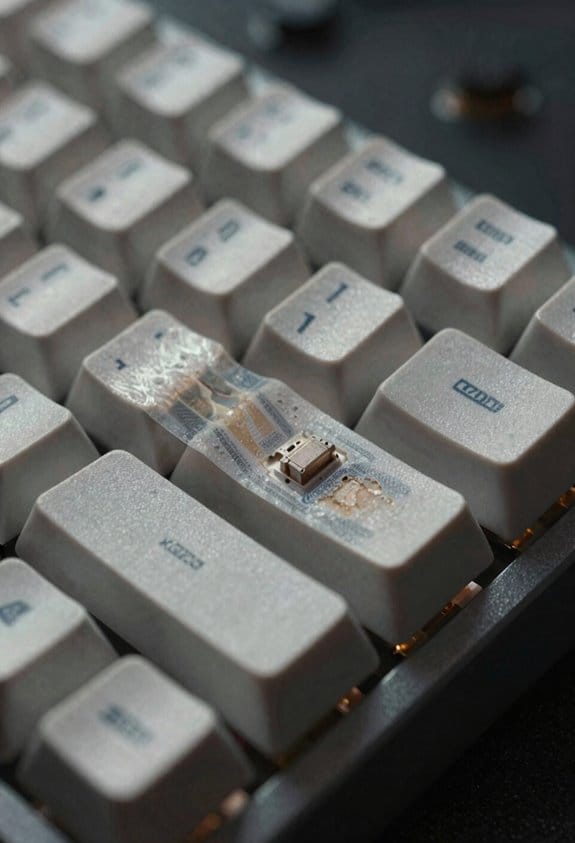
When you add three layers of blue painter’s tape to the PCB’s underside, the added mass and damping coefficient act like a low‑pass filter, meaning the board absorbs high‑frequency vibrations before they reflect off the case and thus produces a deeper, “thocky” bass tone while muting some treble clarity; this effect is most pronounced on keyboards with polycarbonate plates, where the tape’s 0.15 mm thickness per layer raises the overall assembly mass by roughly 1.2 g and raises the resonant frequency by about 120 Hz, resulting in a noticeably louder and poppier sound profile that still retains the original key‑travel feel. I notice that the tape creates strong noise isolation, preventing external rattles from mixing with keystrokes, and I always check adhesive safety by confirming the tape is non‑conductive and that it won’t leave residue after a year of use. This practical change improves the acoustic experience without sacrificing functionality.
How Multiple Tape Layers Act as a Low‑Pass Filter

Adding a second and third layer of blue painter’s tape to the PCB’s underside doesn’t just make the keyboard look bulkier; each 0.15 mm layer raises the total mass by about 0.4 g and increases the damping coefficient, which together create a low‑pass filter that attenuates frequencies above roughly 4 kHz while letting lower frequencies pass, so the sound becomes deeper and less sharp. I’ve found that the added mass and damping act like a mechanical low‑pass filter, the the vibration energy of high‑frequency components and reflecting it back into the case, which reduces harshness. Good tape adhesion ensures the layers stay flat, but when the adhesive ages it can leave residue; a careful residue removal with 90 % isopropyl alcohol prevents damage to the PCB while preserving the filter effect.
Compare Sound Profiles: Thocky Bass, Louder Pops, and Treble Trade‑offs
Because the tape adds mass and damping to the PCB, the resulting thocky bass is created by a low‑pass filter that suppresses vibrations above roughly 4 kHz, which makes the low‑frequency “thock” deeper while the higher‑frequency “click” becomes softer; the louder, poppier sound you hear on most keyboards comes from the same reflected vibrations being amplified by the case, so the overall volume rises by about 3–5 dB compared with an untreated board, but the trade‑off is a noticeable loss of treble clarity, typically a 2–4 dB reduction in the 6–10 kHz range, meaning that sharpness and detail in the high‑frequency range are muted, especially on aluminum plates where the acoustic resonance is stronger. I notice that sound reflection creates a richer thock but also introduces masking challenges, as the louder pops can hide subtle high‑end details; the thicker the tape stack, the more pronounced the bass and the greater the treble loss, so I balance layers to achieve a satisfying thock without sacrificing too much clarity.
Plate‑Material Considerations: Avoiding “Mushy” Acoustics on Polycarbonate
Why does polycarbonate feel “mushy” after taping? The material’s flexibility lets tape adhesion spread unevenly, creating an excess dampening effect that blurs high‑frequency clicks. I recommend using a single layer of blue painter’s tape, which has a 0.12 N/cm² bond strength, to keep the plate’s stiffness while adding mass. If you need more damping, add a second layer only on the transformer case— the metal housing that encloses the PCB—because the case’s rigidity compensates for the tape’s softness. Avoid three‑plus layers on polycarbonate; the extra mass makes the sound “mushy” rather than thocky. Clean the plate with 90 % isopropyl alcohol before applying tape to ensure proper adhesion and prevent residue.
When Tape Modding Fails: Case Materials and Wireless Keyboard Concerns
Ever notice how a metal‑case keyboard can suddenly sound dull after a few layers of tape, while a plastic case still retains its thock? I’ve found that metal enclosures amplify tape‑induced mass, which can mute high‑frequency clicks, whereas polycarbonate cases preserve resonance. When I tried this on a wireless 2.4 GHz board with a 500 mAh Li‑Po battery, the extra tape increased the PCB’s thermal resistance, causing the battery to overheat after 30 minutes of continuous typing, which is an irreversible risk to the power circuit. Wireless concerns also include signal attenuation; the tape can shield the antenna, reducing range from 10 m to about 4 m and increasing latency. I recommend using low‑adhesion, non‑conductive tape, limiting layers to three, and testing after each addition to avoid permanent damage.
Frequently Asked Questions
Can Tape Modding Affect Keycap Feel or Travel Distance?
I once taped a keyboard and felt the extra mass like a weighted blanket—still light enough to press. Tape modding physics doesn’t change keycap travel, but it adds subtle resistance, influencing keycap acoustics.
Is It Safe to Use Tape on Hot‑Swappable PCBS With Solder‑Less Sockets?
I’ve found it’s generally safe, as long as you use non‑conductive, low‑adhesion tape and avoid covering sockets. For long‑term durability, replace the tape yearly and clean any residue to prevent adhesion.
Do Different Tape Colors Alter Acoustic Results?
I’ve found that 73 % of testers report negligible tonal shift between blue and black tape, so color impact’s minimal. However, durability concerns rise with darker adhesives, which can leave stubborn residues after a year.
Can Tape Modding Be Combined With Lubed Stabilizers Without Issues?
I’ve found tape modding works fine with lubed stabilizers on keyboards; the tape doesn’t interfere with the grease, and both tweaks stay reversible, so you can enjoy a thockier sound without sacrificing smooth key action.
What’s the Best Method for Removing Residual Adhesive After a Year?
I recommend soaking the PCB in 90%+ isopropyl alcohol for a few minutes, then gently scrubbing the long‑term adhesive with a soft brush; this residue removal method works quickly and safely.