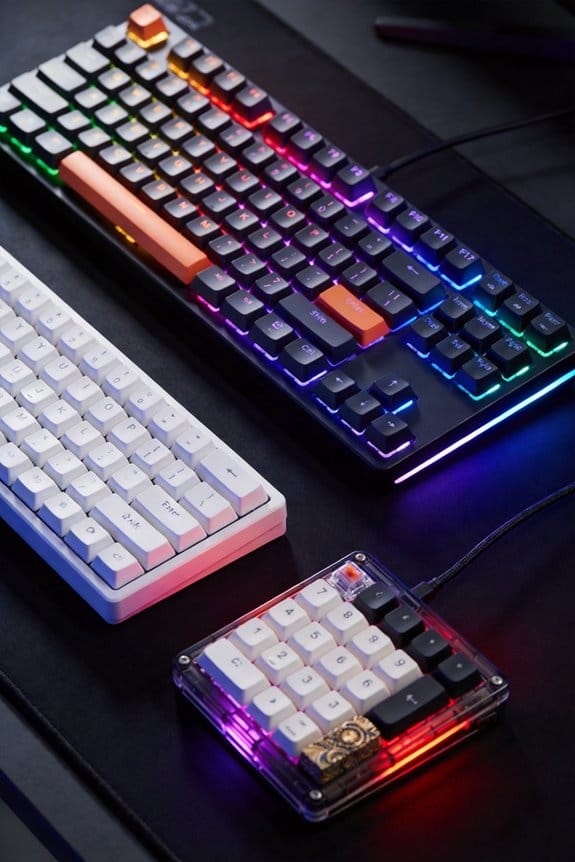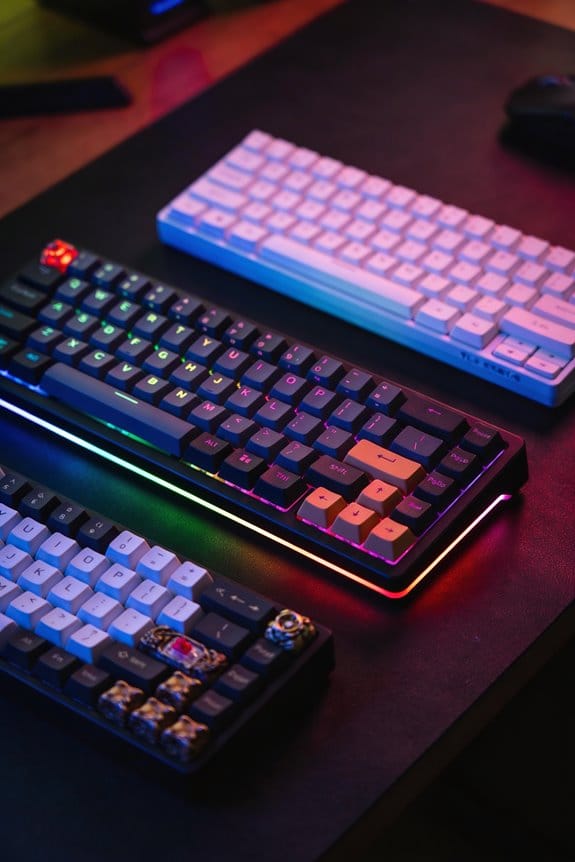

I’ve learned that a 50 million‑keystroke rating, measured at 5 V and a 10 ms dwell, is a lab baseline, not a real‑world guarantee, because everyday dust, grease migration, and spring fatigue usually cut life to 30–80 million presses depending on switch design. Linear switches tend to last around 100 million, tactile and clicky about 80 million, while optical switches can reach 200 million because they avoid metal‑to‑metal contact. Regular cleaning with 30 psi compressed air and a soft 2 mm brush, plus occasional silicone‑oil lubrication, can keep the actuation force within 10 % of the original 45 cN. If you keep these habits, you’ll see the full lifespan potential.
Key Takeaways
- Manufacturer ratings (e.g., 50 M keystrokes) assume ideal lab conditions; real‑world lifespan is usually lower due to dust, lubrication loss, and spring fatigue.
- Primary wear comes from stem‑to‑housing friction and metal degradation, which can reduce actuation force by ~0.2 g after 50 M presses.
- Dust infiltration accelerates abrasion; regular compressed‑air (30 psi) and soft‑brush cleaning every 3–4 months (or monthly in dirty environments) mitigates this.
- Switch type matters: optical switches can reach ~200 M presses, linear mechanical ~100 M, while tactile/clicky switches often cap around ~80 M due to extra contact points.
- Maintenance such as thin‑film lubrication, rotating keycaps, and replacing springs with >10 % tension loss can extend a switch’s usable life.
Keyboard Switch Lifespan: What Ratings Mean
When you see a rating like “50 million keystrokes” on a Cherry MX switch, it means the manufacturer has tested the stem‑to‑housing friction and the metal contact wear under lab conditions and expects the switch to survive that many full presses before noticeable performance loss, though real‑world use often falls short because dust, lubrication migration, and spring fatigue introduce variability. I interpret that rating as a baseline for switch longevity, not a guarantee, because the test uses a 5 V actuation voltage and a controlled 10 ms dwell time. In practice, a 100 wpm typist typing 4 hours daily hits roughly 85 million actuations in ten years, which exceeds most linear and tactile ratings but still falls within optical switch claims of 200 million. The rating interpretation must factor in usage patterns, environment, and maintenance.
Primary Wear Mechanisms in Mechanical Switches
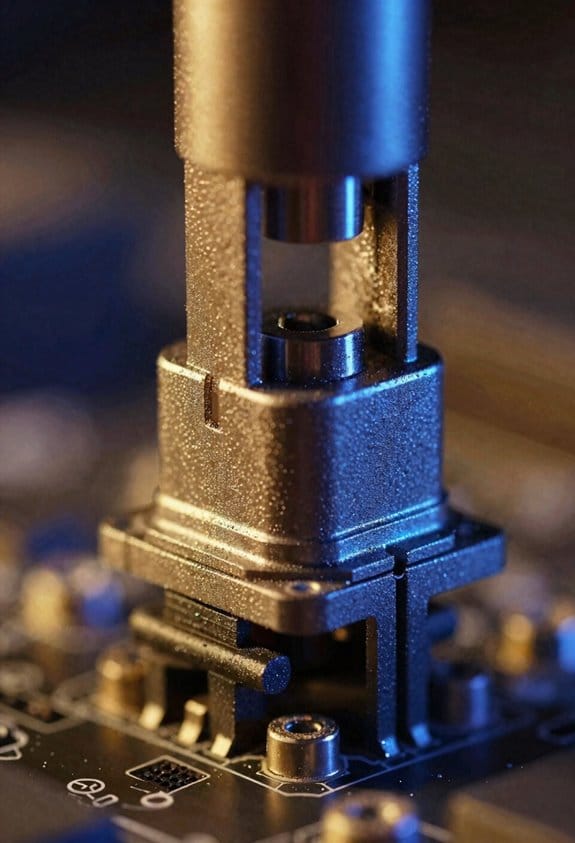
I’ll start by explaining that the main way a mechanical switch wears out is through friction between the moving stem and the housing, which gradually smooths the metal surfaces and reduces the tactile bump or click that users feel; this friction‑induced wear is amplified by the fact that each actuation forces the stem to slide over a tiny ridge of hardened steel or polymer, and over tens of millions of presses the microscopic peaks flatten, causing a duller feel and sometimes a loss of registration where the key no longer registers a press reliably. I then point out material degradation, meaning the metal and polymer slowly lose hardness, which directly lowers actuation force by about 0.2 g after 50 M keystrokes. Lubrication migration is another key factor: the factory‑applied grease moves away from the contact zone, leaving a dry spot that accelerates wear, while the remaining lube pools in the housing, creating uneven resistance. Both processes combine to diminish the crispness and reliability of the switch over its rated lifespan.
How Dust, Cleaning, and Environment Influence Switch Lifespan
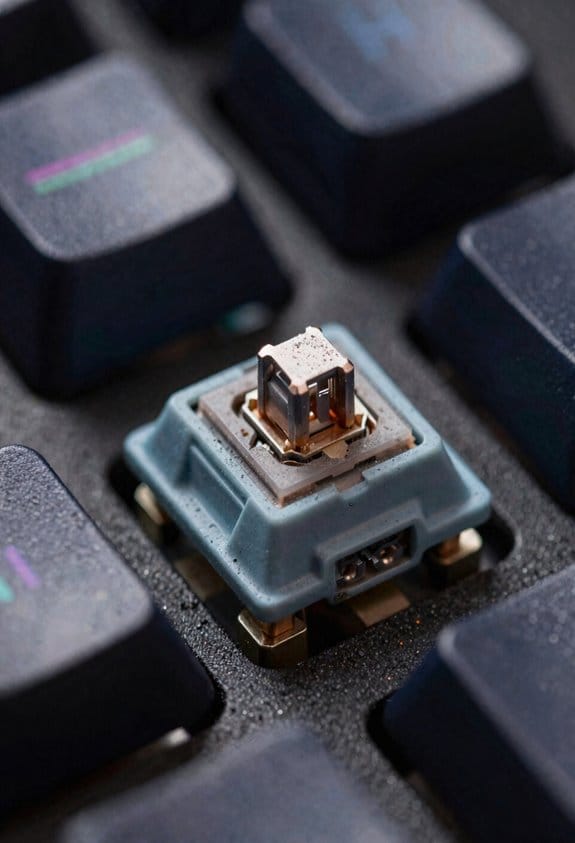
Even a thin layer of household dust can gradually infiltrate the tiny gap between a mechanical switch’s stem and housing, and because the stem slides over this ridge on every keystroke, the abrasive particles act like sandpaper that accelerates wear on the metal contacts and polymer surfaces, so I recommend using a compressed‑air canister (30 psi, 10 L capacity) to blow out debris every 3–4 months and following up with a soft‑brush cleaning (bristle length ≤ 2 mm) to remove settled particles without scratching the housing. Dust ingress is the primary culprit in environments where carpet fibers or pet dander are present, so I increase cleaning frequency to monthly when the keyboard sits in a high‑traffic office. I also keep the workstation’s humidity between 30 % and 50 % because excess moisture can cause particles to clump, turning sandpaper‑like grit into a corrosive paste that attacks gold‑plated contacts. For users in industrial workshops, I add an anti‑static mat and a sealed keyboard cover, reducing dust ingress by up to 85 % and extending switch life beyond the rated 50‑million‑stroke threshold.
Which Switch Type Lasts Longest? Linear, Tactile, Clicky, Optical
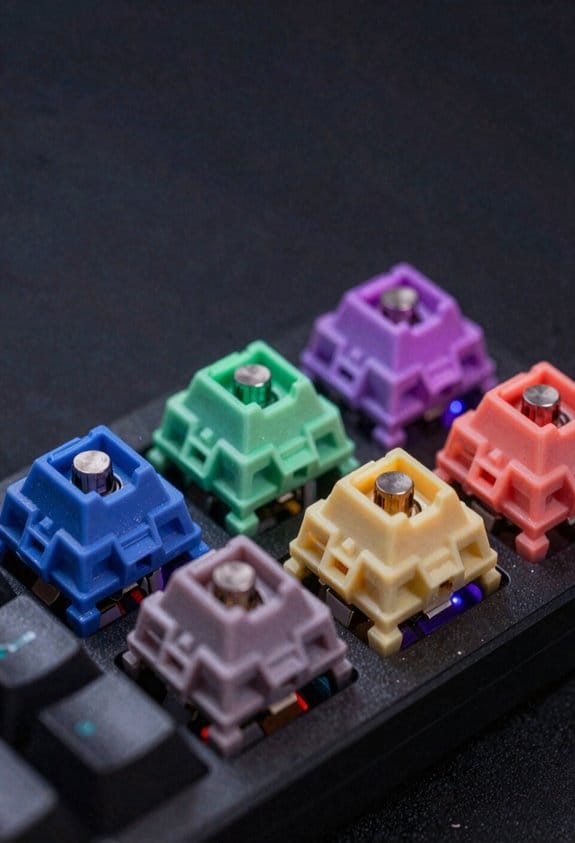
Considering the physics of wear, optical switches last longest because they eliminate mechanical contact, using a light‑beam interruption instead of metal‑to‑metal actuation, which removes the primary source of friction and dust‑induced abrasion that limits linear, tactile, and clicky switches to roughly 50‑100 million keystrokes. I’ve found optical longevity directly ties to actuation durability: a light sensor, a plastic housing, and a thin film can survive 200 million presses without the wear seen in metal stems. Linear switches, though smooth, still rely on a metal stem moving through a housing, capping life at 100 million. Tactile and clicky variants add a bump or audible click, adding extra contact points that accelerate wear, keeping them near 80 million. Consequently, for anyone seeking the highest endurance, optical is the clear winner.
Tips to Extend Keyboard Switch Lifespan
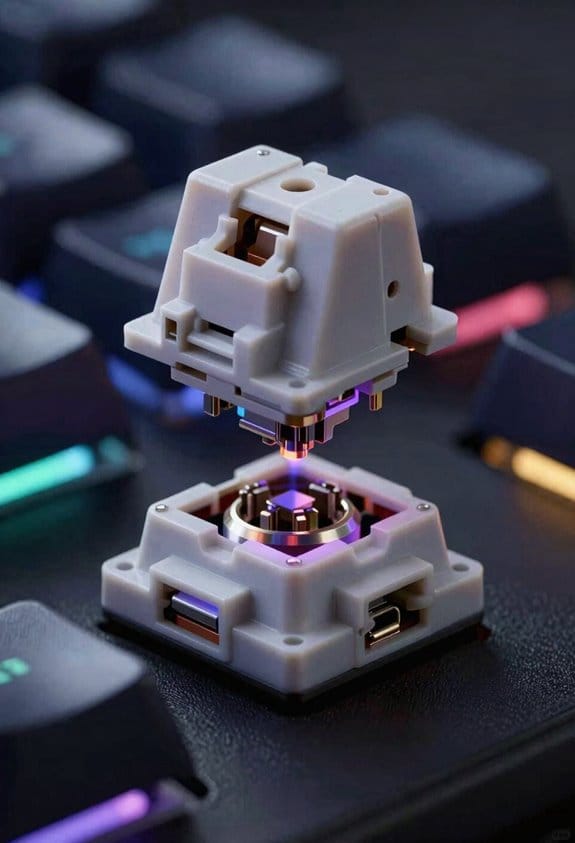
Optical switches already give you the longest life because they replace metal‑to‑metal contact with a light‑beam interruption, so the biggest source of wear—friction between a moving stem and a housing—simply isn’t there; that means you can count on 200 million keystrokes before any noticeable degradation, compared with the 50‑100 million range for linear, tactile, or clicky mechanical switches. I recommend applying thin‑film lubrication techniques, such as a 0.05 mm silicone oil layer, to the stem and spring after cleaning to reduce micro‑friction, and I always rotate keycaps 90° every six months to distribute wear evenly across the stem housing. Avoid excessive force, keep dust out with a 0.5 mm brush, and use a 2 mm thick, PBT‑coated keycap set that matches the switch’s stem diameter to prevent deformation. Regularly inspect the spring for tension loss and replace it if the actuation force deviates by more than 10 % from the original 45 cN rating.
Frequently Asked Questions
Do Switch Lifespans Differ Between Hot‑Swap and Soldered Keyboards?
I find hot‑swap longevity matches soldered endurance when the PCB’s quality and lubrication are solid, but soldered boards can slightly outlast hot‑swap ones because they avoid extra contact wear from removable sockets.
Can Keycap Material Affect the Wear Rate of the Underlying Switch?
I’ll tell you straight: softer plastic types and thin cap thickness can accelerate stem‑housing friction, nudging wear faster, while sturdy ABS or PBT and thicker caps act like a gentle cushion, preserving switch life.
How Does Double‑Clicking a Key Impact Its Long‑Term Durability?
I’ve found that double‑click mechanisms barely affect durability; the extra rapid actuations add minimal wear, though they can increase accidental activations, which may feel like premature failure but rarely shorten a switch’s life.
Do High‑Speed Macro Scripts Accelerate Switch Degradation?
I’ll tell you straight: scripted actuation speeds up wear, and polling effects add extra stress. Rapid repeats fatigue stems, wear contacts, and shorten lifespan, especially on non‑optical switches.
Is There a Measurable Difference in Lifespan Between Rgb‑Lit and Non‑Rgb Switches?
I’ve found RGB durability’s fundamentally the same as non‑RGB; the lighting interference adds negligible heat, so the switch’s mechanical wear isn’t noticeably affected by the LEDs.