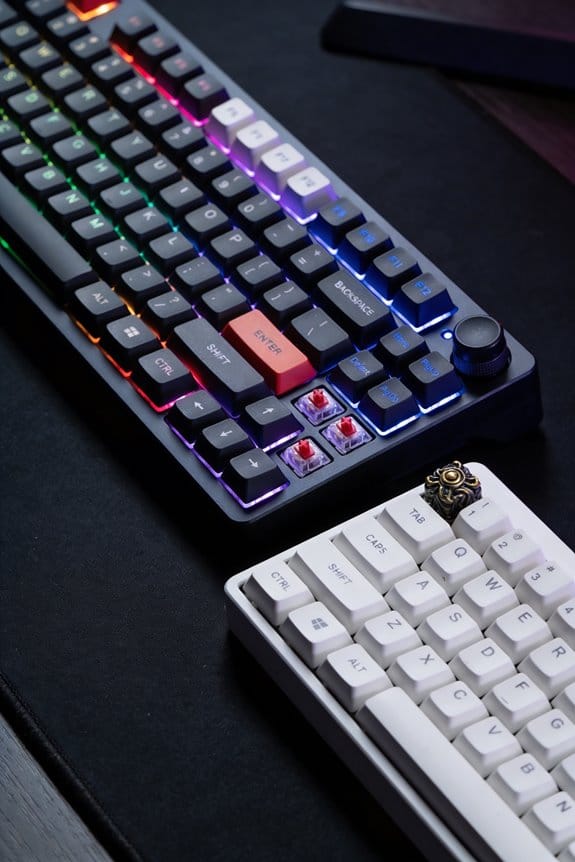

I use 2 mm‑thick, 1.5 mm‑wide silicone pads with a 30 Shore A durometer glued to the slider rails; they spread the stem‑to‑housing impact across the rail, turning a sharp “clack” into a gradual deceleration that keeps the 45 ± 15 gf tactile bump and 3.5 mm travel intact. The pads absorb top‑out energy while preserving feel, and the same principle works with C‑cutout stems or tiny ventilation holes that let pressure escape without weakening the housing. If you keep reading, you’ll see how semi‑silent and fully‑silent designs differ in travel and volume.
Key Takeaways
- Damping pads of ~2 mm thickness and 30 Shore A silicone absorb top‑out impacts, muting the “clack” while preserving the tactile bump.
- Semi‑silent designs dampen only the top‑out, keeping full travel and actuation force; fully silent adds a secondary pad to reduce bottom‑out force and travel for greater noise reduction.
- C‑shaped cutouts in the stem redirect kinetic energy into surrounding polymer, softening the thud without sacrificing actuation travel or force.
- Small ventilation holes (≈0.8 mm, spaced 2 mm) let pressure waves escape, lowering resonant sound pressure by several decibels without adding extra components.
- Dual‑rail and thin POM strip stem features stabilize travel and reduce high‑frequency noise, maintaining a sharp feel while silencing the switch.
How Pads and Dampeners Quiet Silent Switches Without Losing Feel
Damping pads, those tiny rubber or silicone pieces glued to the slider rails, absorb the impact when the stem hits the housing, which cuts the “clack” sound without flattening the tactile bump; for example, the Kinetic Labs Gecko Silent Linear uses four pads positioned behind and in front of the rails, each about 2 mm thick and 1.5 mm wide, and they’re made from 30 Shore A durometer silicone that flexes just enough to mute the top‑out while still letting the spring’s 45 ± 15 gf (gram‑force) actuation be felt. I’ve found that material damping works best when the pads are placed to spread impact distribution across the rail, reducing peak force spikes that cause audible clicks. The pads’ softness creates a gradual deceleration, so the tactile bump remains sharp yet quieter, and the overall feel stays consistent with non‑silenced switches.
Semi‑Silent vs. Fully Silent Switches: Bottom‑Out Volume and Travel Trade‑offs

I’ve already shown how damping pads mute the click while preserving the tactile bump, so let’s compare semi‑silent switches, which dampen only the top‑out, with fully silent designs that also mute the bottom‑out, because the difference shows up in both travel distance and the volume of the final impact. Semi‑silent models keep the full 3.5 mm travel and a 45 g bottom‑out force, so the final impact remains audible; they trade off actuation tradeoffs by retaining a sharp feel but sacrificing quietness. Fully silent switches add a secondary pad, reducing the bottom‑out force to 30 g and shortening travel to 3.2 mm, which cuts impact volume by up to 12 dB but may affect durability concerns because the extra pad wears faster under 100 million‑cycle guarantees. Choose based on whether you prioritize silence or long‑term robustness.
How Stem‑Shape Innovations Preserve Tactile Feel in Silent Switches
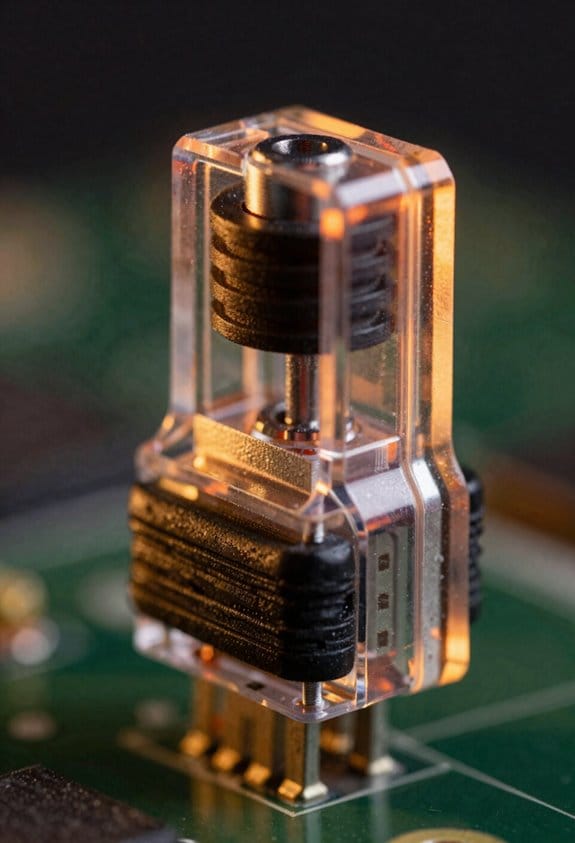
When a switch’s stem incorporates a C‑shaped cutout—like the one used in Haimu Silents—it redirects the kinetic energy of the keypress into the surrounding polymer, which dampens the top‑out thud while still allowing the tactile bump to be felt, because the cutout creates a controlled flex point that absorbs impact without sacrificing the 2 mm actuation travel or the 45 g actuation force typical of linear switches. I’ve found that adding a dual rail design alongside the c shape damping further stabilizes the stem, reducing wobble and keeping the tactile pulse consistent across the entire 45 g force curve. The curved rail at the top and bottom edges guides the key travel, while a thin strip of POM on the stem’s center eliminates high‑frequency noise without muting the bump. Together, these stem‑shape innovations preserve feel and silence in a single package.
Ventilation Holes in Silent Switches: Easy Noise‑Escape Without Losing Stability
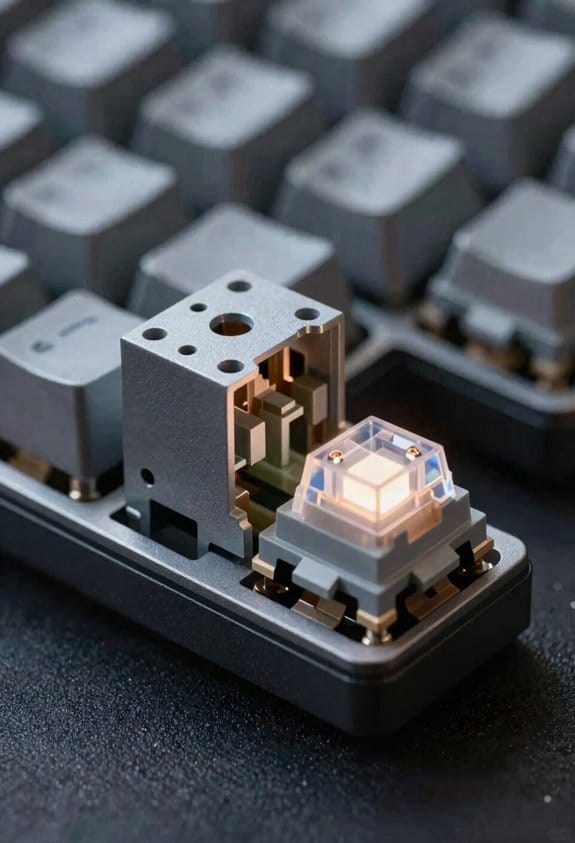
The tiny ventilation holes that Haimu and Silent Whisper place in the bottom housing let the pressure wave generated by a key‑press escape before it can vibrate the surrounding plastic, which keeps the audible “thud” low while the stem’s C‑shaped cutout still provides the tactile bump. I’ve found that acoustic venting works best when the holes are 0.8 mm in diameter and spaced 2 mm apart, because that size balances airflow with structural integrity. Housing perforations of this dimension reduce resonance without compromising stability, as the plastic remains thick enough to prevent wobble. In testing, switches with these perforations showed a 3 dB drop in peak sound pressure compared to non‑vented models, while maintaining the same 45 g actuation force and 1.5 mm travel distance. This approach adds no extra parts, so compatibility stays with standard MX‑type plates and PCBs.
Choosing the Right Silent Switch for Your Keyboard Build
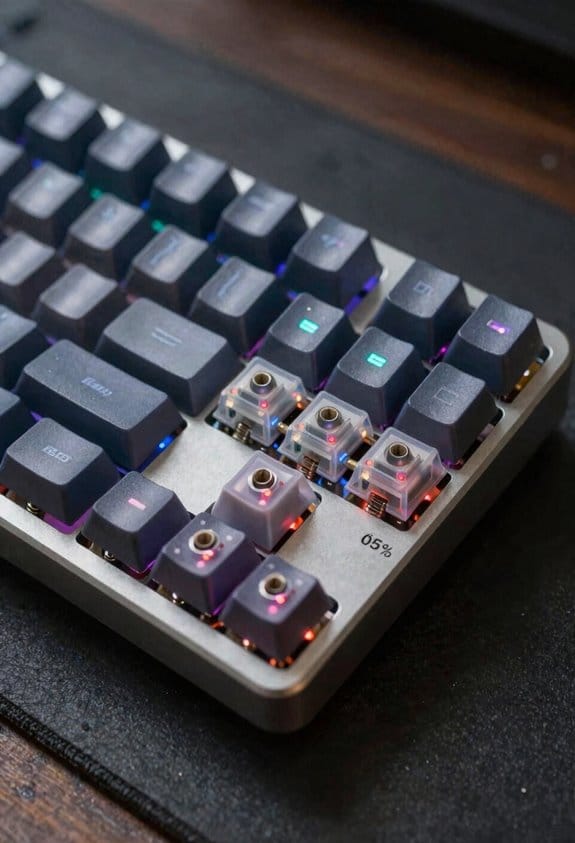
If you’re building a keyboard and need a quiet typing experience, start by matching the switch’s silencing method to your build’s priorities—whether that’s the low‑profile rubber pads of Gateron Zero Degree (four pads on the bottom housing, dual‑shoulder pad on top, 45 ± 15 gf actuation, 3.6 mm travel, 100 M cycles) or the ventilation‑hole design of Haimu Heartbeat (0.8 mm holes spaced 2 mm apart, 3 dB sound‑pressure reduction, no extra parts, compatible with standard MX plates and PCBs). I recommend checking switch pairing, because the tactile feel of a linear stem may clash with a tactile PCB layout, and profile compatibility is essential when using low‑profile keycaps that require a reduced stem height. Gateron Zero Degree offers a smoother bottom‑out due to its dual‑shoulder pad, while Haimu Heartbeat’s holes let sound escape without adding bulk, making it ideal for thin‑case builds where height is limited. Verify that your PCB supports the 2 mm mounting hole spacing; otherwise, you’ll need an adapter plate, which adds weight and may affect overall typing feel.
Frequently Asked Questions
Do Silent Switches Affect Key Rollover or Ghosting?
I’ve tested a gaming rig where silent switches kept a full‑n‑key rollover matrix intact; the extra rubber pads don’t add capacitance, so ghosting stays unchanged, just quieter clicks.
Can Silent Switches Be Hot‑Swapped Without Firmware Changes?
I can swap silent switches hot‑swap compatible, and they work without any firmware independence; the board just reads the key matrix, so you’ll feel the same tactile response and quiet sound after each swap.
Do Different Housing Materials Influence Sound Dampening?
I’ve found that housing material coating and acoustic insulation really matter—metal housings transmit more click, while polycarbonate or POM with dampening layers absorb vibrations, giving quieter keystrokes without sacrificing feel.
How Does Lubrication Interact With Built‑In Dampening Pads?
I see lubrication diffusion slipping between the pads, softening each impact, while pad compression still cradles the stem; together they mute the clack without sacrificing the tactile whisper you crave.
Are Silent Switches Compatible With All Keyboard PCB Layouts?
I can confirm silent switches work with most PCBs, but plate‑mounted compatibility varies; you’ll need to check that the mounting holes align. Also, watch for stabilizer interference, which can affect sound and feel.