10 Best Cherry MX Red Switches for Gaming Keyboards That Dominate
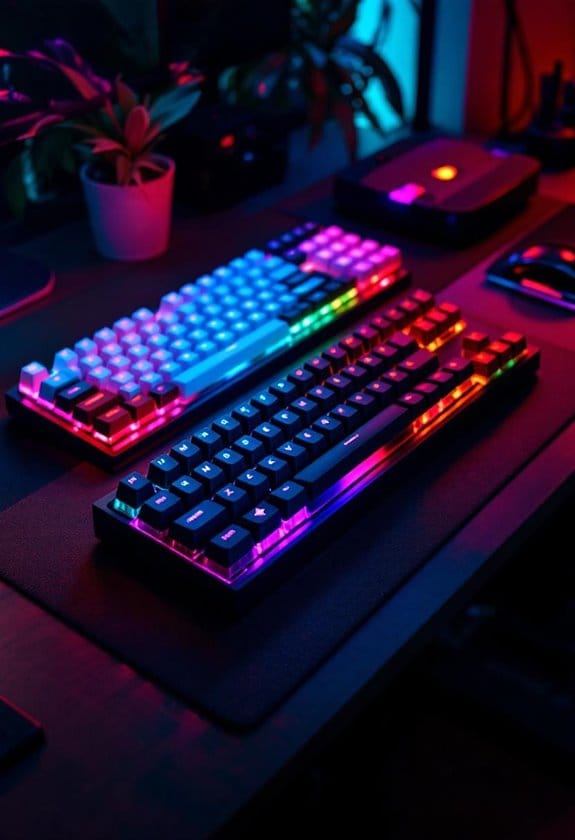
Cherry MX Red switches give you the speed edge in competitive gaming. Learn which models dominate with lightning-fast actuation and durability.


Cherry MX Red switches give you the speed edge in competitive gaming. Learn which models dominate with lightning-fast actuation and durability.
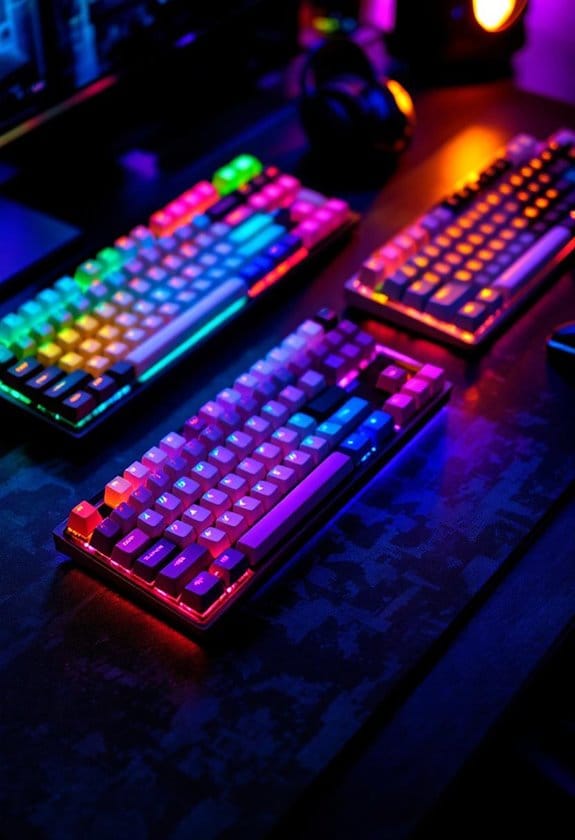
Discover the best wireless gaming keyboards with lightning-fast 2.4 GHz connectivity and mechanical switches. Find your perfect match today.
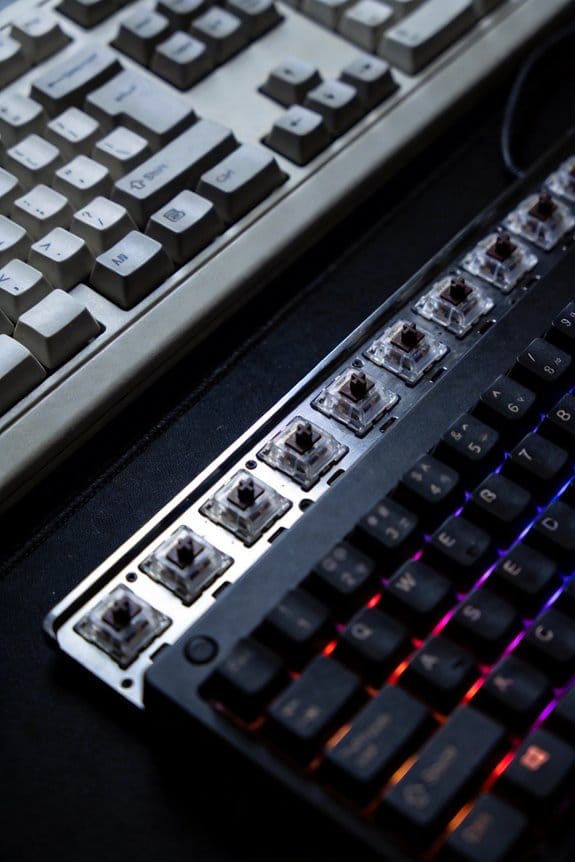
Discover the IBM Model M’s legendary buckling‑spring feel, durability, and easy DIY upgrades—learn the basics and start customizing yours today.

Learn how to protect your hot‑swap PCB from static damage with low‑impedance grounding and humidity control—keep it safe, then try these extra safeguards.

Upgrade to a 3.7 mm mechanical board with Cherry MX Red switches for smoother typing, longer life, and low power draw. Try it now!
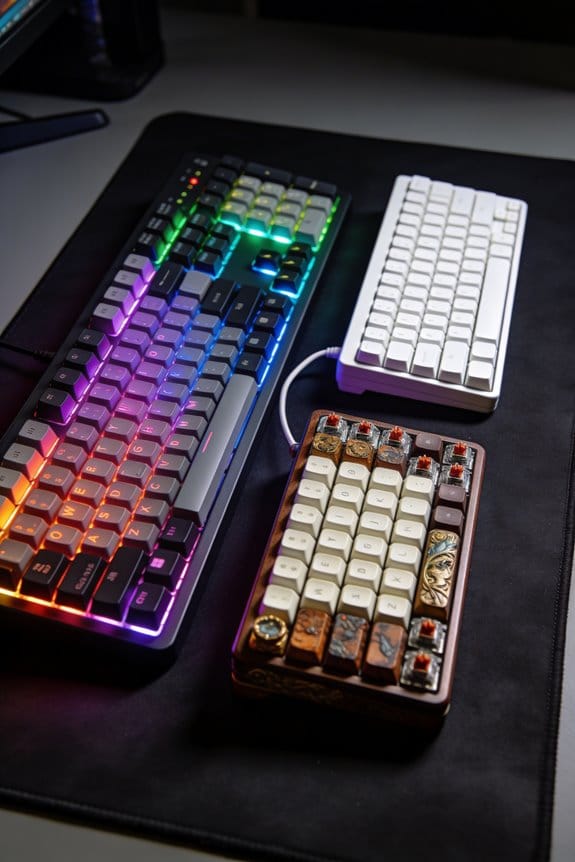
Low‑force tactile switches cut finger fatigue by halving the work per keystroke, so you can type longer and more comfortably. Try them now!
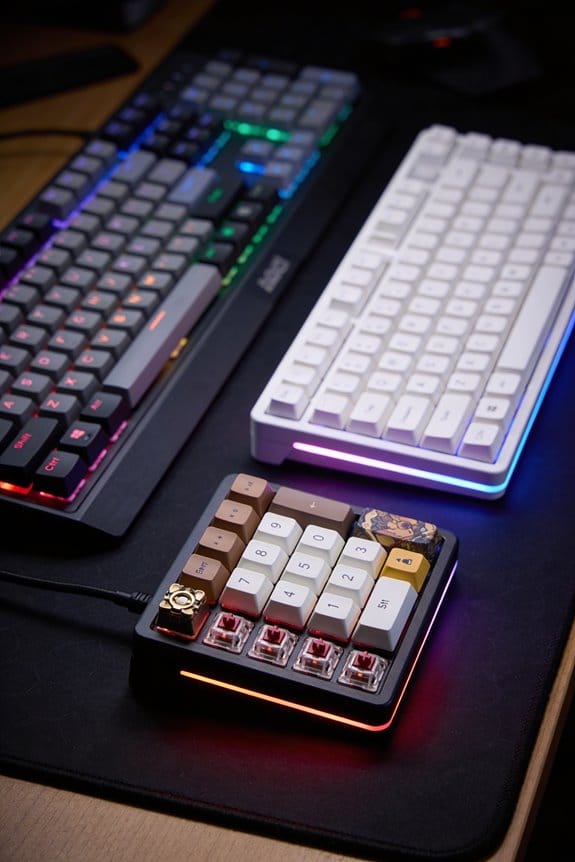
Learn how to deep‑clean your mechanical keyboard fast and safely—step‑by‑step tips, timing, and pressure tricks. Try it now!

Discover how POM, nylon, and PC affect keystroke smoothness and sound—pick the right switch material for your feel and tone. Learn more now.

Discover how Gateron Silent linear switches and simple DIY tweaks keep your open‑office keyboard under 45 dB. Try the guide now!
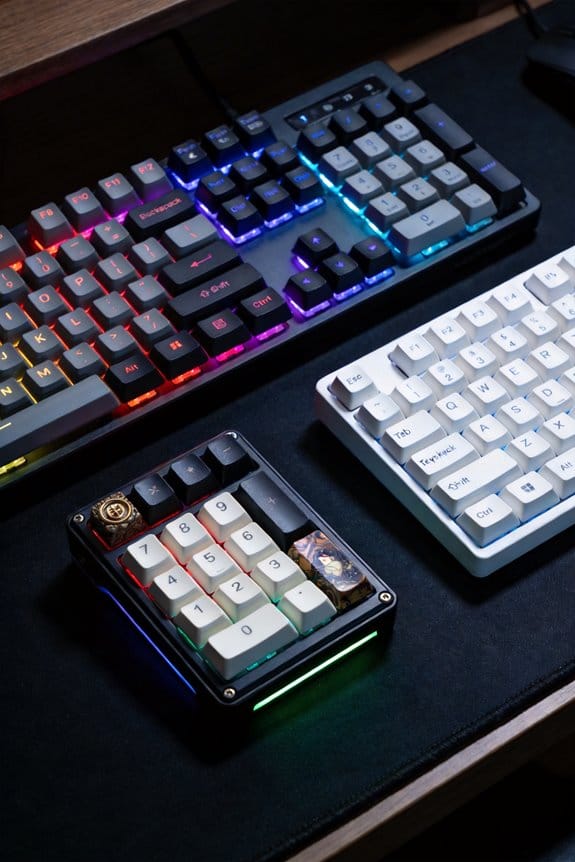
Learn how to lub zero stabilizers with Krytox and XHT‑BDZ for silent, smooth operation—follow the steps and get a quieter build today.