


I measure actuation force as the pressure needed to close a switch’s circuit, usually 45 gf for light linear switches and up to 80 gf for heavy tactile ones, and I note that bottom‑out force—typically 10–20 gf higher—determines the resistance you feel after the key reaches full travel, which helps prevent accidental presses and influences fatigue; the keypress lifts a metal leaf or activates an optical sensor, creating about a 5 mV drop across a 10 kΩ pull‑up resistor that the controller reads as a logical “1”; mechanical switches often sit at 45–60 gf actuation and 70–80 gf bottom‑out, optical switches around 35–45 gf actuation and 50–55 gf bottom‑out, while Hall‑effect switches can be as low as 30 gf actuation and 45 gf bottom‑out, so matching your finger strength to these specs can improve comfort, and if you keep going you’ll discover how to test and fine‑tune these values.
Key Takeaways
- Actuation force is the pressure needed to register a keystroke, typically 45 gf for light linear switches and up to 80 gf for heavy tactile switches.
- Bottom‑out force is the resistance after actuation, usually 10–20 gf higher than the actuation force, providing tactile feedback and preventing accidental presses.
- Mechanical switches often have actuation 45–60 gf and bottom‑out 70–80 gf, while optical switches are lighter at 35–45 gf actuation and ~50–55 gf bottom‑out.
- Hall‑effect switches require the lowest forces, around 30–40 gf actuation and ~45 gf bottom‑out, due to minimal travel distance.
- Matching a switch’s actuation and bottom‑out forces to your finger pressure (30–60 gf range) reduces typing fatigue and improves comfort.
What Is Actuation Force and Why It Matters for Typists?
Push a key and you’ll feel the actuation force—the amount of pressure, measured in gram force (gf), required to make the switch register a keystroke. I explain that actuation force is the threshold at which the metal leaf or magnetic sensor closes the circuit, typically ranging from 45 gf for light linear switches to 80 gf for heavy tactile ones, and that this value directly determines how much effort you need for each character. I also note that bottom out force, the resistance you encounter after the actuation point when the key reaches full travel, is usually 10‑20 gf higher than the actuation force, providing tactile feedback and preventing accidental key‑presses. Understanding these forces helps you match a keyboard to your finger strength, reducing unnecessary strain and ensuring consistent performance across long typing sessions.
Recommended Products

Processor: Intel Core i7-9750H Processor

ROG SpeedNova Wireless Technology -- ROG SpeedNova wireless technology offers up to 2,000+ hours of stable, uninterrupted near-zero-latency gameplay in 2.4 GHz RF mode (RGB and OLED off).

As an affiliate, we earn on qualifying purchases.

TRIPLE QUICKSET THREAT - APEX PRO is the only keyboard range in the world with quick release, quick tap and protection mode (patent pending) that activate for your game in seconds.
How Bottom‑Out Force Affects Typing Comfort and Fatigue?
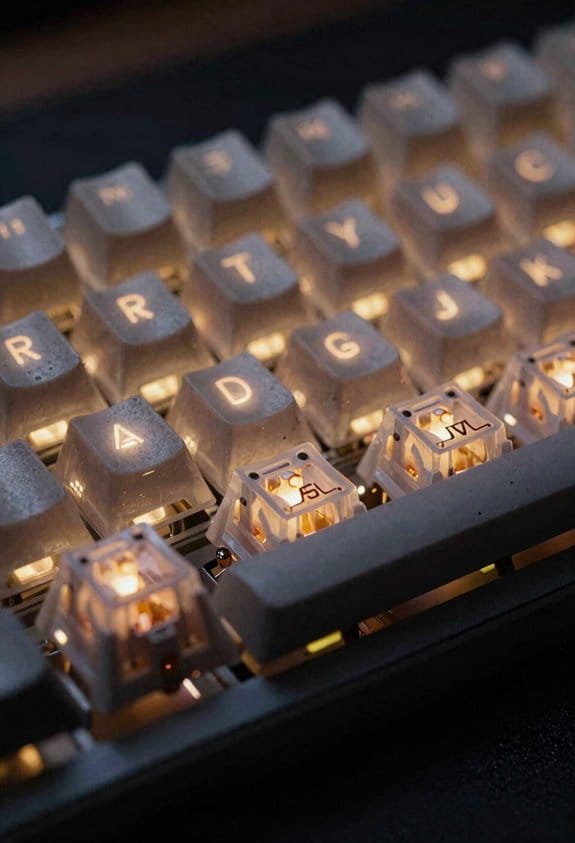
Why does the extra resistance you feel after a key hits its actuation point matter for long‑term typing comfort? The bottom‑out force, measured in gram‑force (gf), adds a second “bump” when the stem reaches full travel, and that bump can increase finger strain if it exceeds the actuation force by a large margin. I’ve found that switches with a modest 10 gf bottom‑out, compared to 15 gf, provide better bottom out comfort because the spring compresses less, reducing muscle load on each keystroke. For fatigue mitigation, I recommend linear switches with a 45 gf actuation and 50 gf bottom‑out, or tactile switches rated 55 gf actuation and 60 gf bottom‑out, because the small differential keeps the finger’s motion smooth while still offering tactile feedback. This balance prevents cumulative wrist fatigue during long typing sessions.
Recommended Products
![FUYU FPB45 Linear Stage Linear Motion Guide Belt Drive Linear Actuator Table Nema 23 Stepper Servo Motor for CNC[200mm Stroke Work Size]](https://m.media-amazon.com/images/I/31Mk+-L+O3L._SL500_.jpg)
Linear rail support the max stroke up to 3500mm, contact us when need strokes are not within 100mm-2000mm.
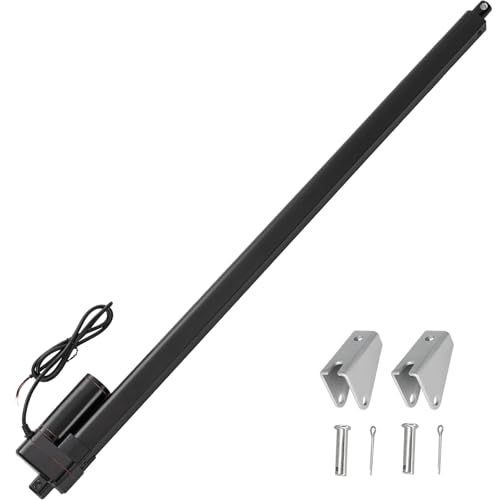

Specification:Voltage:12V DC; Stroke Length:40"(1000mm), Retracted length:45.28"(1150mm), Extended Length:84.65"(2150mm); No load speed: 0.31"/sec (8mm/s), Maximum Load:440lbs(2000N); Maximum current draw:5A; Duty Cycle:10%, Working power should reach 40W-50W

COMPATIBILITY: 5-pin MX switch design for custom mechanical keyboards, ensuring broad compatibility with most custom keyboard PCBs
How a Keypress Turns Into a Signal on the PCB
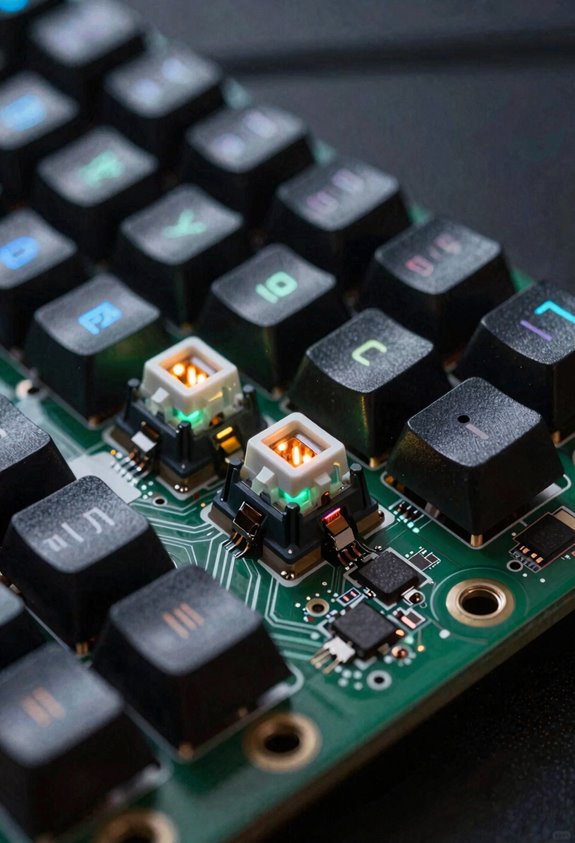
When a keycap depresses the stem, the stem’s legs lift the metal leaf contacts just enough to close the circuit on the PCB, and that closure creates a voltage drop of roughly 5 mV across a 10 kΩ pull‑up resistor, which the keyboard controller reads as a logical “1”. I explain that the actuation force—typically 45 gf for a standard Cherry MX Red—determines how much pressure you need before those contacts meet, while the bottom‑out force—often 60 gf—describes the extra push when the stem hits the PCB’s full‑travel stop. The controller samples the voltage at 1 kHz, debounces it in hardware, and then sends a USB 2.0 packet with a 2.5 mA current draw per key. Because the pull‑up resistor limits current to 0.5 mA, the whole process consumes less than 0.001 W per keystroke, keeping power usage negligible. This mechanism works identically across mechanical, optical, and Hall‑effect switches, provided the PCB layout follows the 0.5 mm‑wide trace specification.
Comparing Actuation & Bottom‑Out Forces Across Switch Types

How do the actuation and bottom‑out forces differ among mechanical, optical, and Hall‑effect switches, and why does that matter for typing feel? I notice that mechanical switches typically use an actuation force of 45–60 gf and a bottom out force that can rise to 70–80 gf, because the metal leaf and spring compress fully at full travel. Optical switches, which break an infrared beam, often have a lower actuation force of 35–45 gf and a bottom out force only slightly higher, around 50–55 gf, since the light sensor adds little resistance. Hall‑effect switches, relying on magnetic field change, usually require an actuation force of 30–40 gf and a bottom out force near 45 gf, because the magnetic sensor and spring are tuned for minimal travel. These differences affect how light or heavy a key feels and how much fatigue you experience during long typing sessions.
Recommended Products


Product 1: Compact and slim design: 65% keyboard in a 60% frame masterfully incorporates arrow and navigation keys with ultra-slim 26.5mm profile
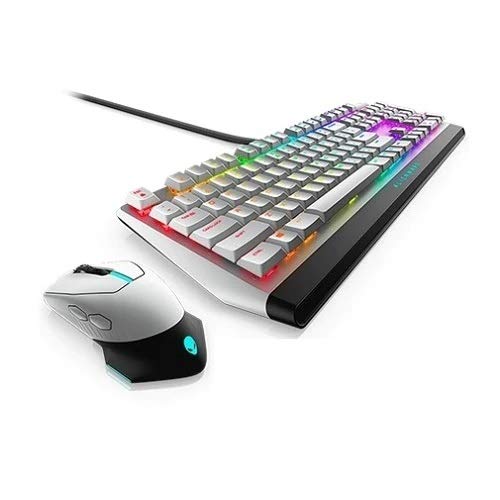
Quick actuation and comfortable typing Mechanical switches and N-key rollover on all keys and ergonomic comfort will keep you gaming for longer. Amp up the comfort even more with three adjustable feet angles and the optional magnetically attached palm rest. Tricked out and all in Introducing all-new keyboard featuring the iconic design you trust for exhilarating, immersive gaming.

Quick actuation and comfortable typing: Mechanical switches and N-key rollover on all keys and ergonomic comfort will keep you gaming for longer. Amp up the comfort even more with three adjustable feet angles and the optional magnetically attached palm rest. Tricked out and all in Introducing all-new keyboard featuring the iconic design you trust for exhilarating, immersive gaming
Which Switch Type Best Matches My Typing Style?
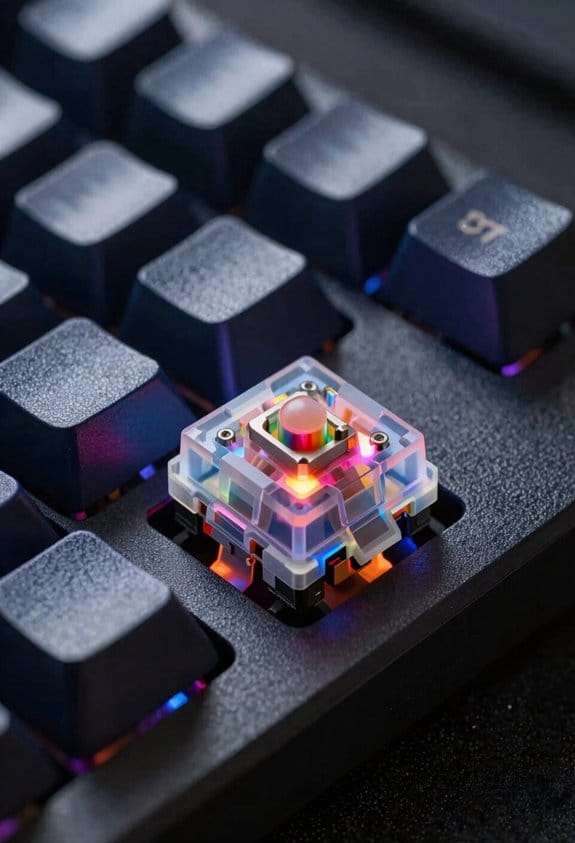
Which switch feels right for you depends on your typing speed, finger strength, and preferred feedback, so start by matching your actuation force range—typically 30–60 gf—to the force you naturally apply when you tap a key; mechanical switches like Cherry MX Brown (45 gf actuation, 70 gf bottom‑out) give a modest tactile bump and higher resistance at full travel, optical switches such as Razer Optical Switch (35 gf actuation, 55 gf bottom‑out) offer a lighter, smoother press because the infrared sensor adds minimal resistance, and Hall‑effect switches like Input Club Halo (30 gf actuation, 45 gf bottom‑out) provide the lightest feel with virtually no wear thanks to magnetic detection, all of which are compatible with standard MX‑type PCBs, require 5 V ± 0.5 V power via a 2 mm‑pitch solder‑pad, and work with any USB‑C to USB‑A cable up to 1 m without latency issues; if you type fast and favor low fatigue, the Hall‑effect option is best, whereas if you enjoy a tactile “click” and don’t mind a slightly heavier bottom‑out, a tactile mechanical switch will suit you better. In my own two‑word discussion ideas, I compare switch types by actuation, bottom‑out, and durability; I find optical switches excel for low‑maintenance setups, while tactile mechanical switches excel for feedback‑driven typing, and Hall‑effect switches excel for ultra‑light, high‑speed sessions.
Recommended Products
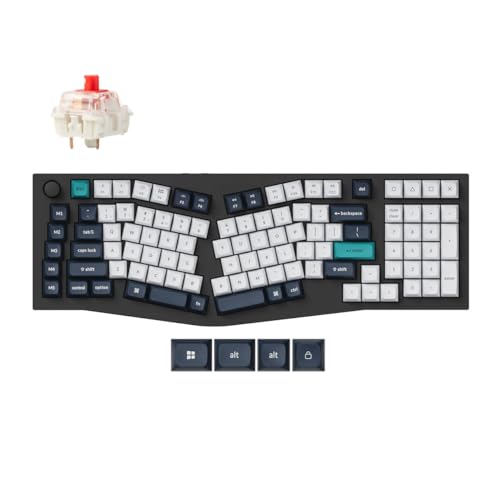
Meet the Keychron Q13 Max, a full-metal wireless custom mechanical keyboard featuring a unique 96% Alice layout. Upgraded with a 2.4 GHz wireless connection at a 1000 Hz polling rate and Bluetooth 5.2, it elevates the typing experience further. Thoughtfully designed with multiple layers of acoustic foam, it ensures premium sound quality with every keystroke

Tactile, high-speed keys: Quiet mechanical keys deliver gaming-grade responsiveness and superior tactile feedback without noise distractions

Clicky mechanical key switches with a gratifying, audible click and tactile feedback with every keystroke - for a familiar mechanical feel and sound
Testing & Tuning Actuation Points for Better Performance
I’ve already shown how your typing style points you toward a specific switch family, so the next step is to verify that the actuation point—the exact travel distance where the key registers—matches your real‑world finger travel, which you can do by measuring the key travel with a digital caliper (accuracy ±0.01 mm) and comparing it to the manufacturer’s spec sheet that lists actuation at 1.6 mm, reset at 1.2 mm, and bottom‑out at 3.0 mm for most MX‑type switches. I then perform actuation tuning by adjusting spring weight or swapping stems, recording each change with a spreadsheet that logs measured travel, actuation force in gram‑force (gf), and bottom out profiling results. Bottom out profiling lets me see the force curve beyond the 3.0 mm limit, ensuring the extra resistance stays under 45 gf, which prevents fatigue while preserving tactile feedback. By iterating this process, I fine‑tune the keyboard to match my finger dynamics and achieve consistent performance across all keys.
Recommended Products

Hall Effect Gaming Performance: React faster with Rapid Trigger, 8,000 Hz Polling, Customizable Actuation, 4:1 Dynamic Keystroke, and more.

The centerpiece of your gaming setup, the CORSAIR K100 RGB boasts a refined design bolstered by a durable aluminum frame, dynamic per-key RGB backlighting, and a 44-zone three-sided LightEdge.

Magnetic switch gaming keyboard in TKL format with TMR technology: For lightning-fast input, greater precision, lower battery consumption and better performance in games
Frequently Asked Questions
How Does Temperature Affect Switch Actuation Force?
I’ll gently note that temperature sensitivity of actuation force means heat can soften springs, lowering the force, while cold stiffens them, raising it; repeated cycling may cause material fatigue, subtly shifting the feel.
Can Lubrication Change Bottom‑Out Force Perception?
I’ve found that lubrication reduces friction, making the bottom‑out feel lighter, while it doesn’t substantially alter the temperature actuation force. So you’ll notice smoother travel, but the actuation force stays fundamentally unchanged.
Do Keycap Profiles Influence Actuation Distance?
I tell you yes—different keycap profiles can subtly shift actuation distance because their shape changes how the stem contacts the switch; taller, sculpted profiles often add a millimeter or two before registration.
Are There Measurable Differences in Fatigue Between Linear and Tactile Switches?
I’ve found tactile switches cause slightly more fatigue than linear ones, so I’d a fatigue comparison when testing switch longevity, especially if you type long sessions without breaks.
How Does Switch Orientation Impact Hall Effect Actuation Reliability?
I see Hall‑effect switches as tiny compasses; orientation impact can misalign the magnetic field, sparking reliability concerns if the sensor isn’t perfectly leveled, so I always mount them flat for consistent actuation.



